Storage
We strongly recommend that you bring an external storage device. Computers have smaller and smaller hard drives these days and there is upwards of 500GB of content in your course — not including any of the actual projects you will be creating. Even if you rent one of our workstations, you may not have the same machine to work on day to day. Take our advice: get a small, light, fast, solid-state-drive (SSD). You won’t regret it. 500GB drives can be found for well under $100 online or locally.
Operating System
This one can be tricky. We like it when you show up with a current version of MacOS or Windows — but not too current a version. What does this mean? If you have never checked to see if you are up to date, now might be a good time to do so. But don’t jump directly to the newest operating system. Good engineers typically wait for the verdict to come in on recent updates. We like to let the masses test them for stability before we adopt all the latest and greatest features. It can be hard to go back to an earlier version once you upgrade, so if in doubt, wait & ask. We will most likely tell you to move to the system that is one sub-release behind the most current. For example, at the time of this writing, all our machines are on “Mohave” (MacOS 10.14.x), while the most current MacOS happens to be “Catalina” (MacOS 10.15.x). We have heard of all sorts of stuff that isn’t working with Catalina yet, so we watch and wait, while everything works swimmingly with Mohave.
Again: when in doubt, wait & ask. We’ll be happy to discuss this with you.
Downloads
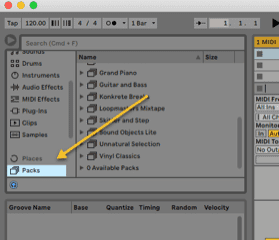
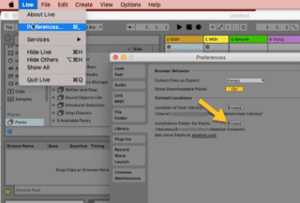
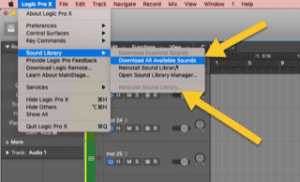
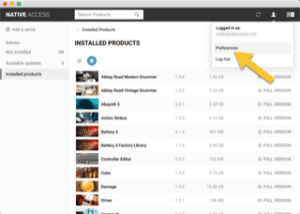
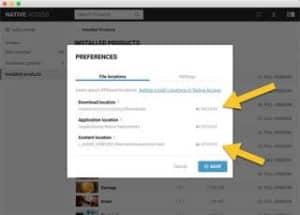
Downloading our content takes time. And an entire class downloading it at the same time… you get the idea. If you need some help, don’t sweat it. That’s what we are here for and we’ll go over it together. If you are able to, we recommend that you do your best to download and install the following: